BIM Masterclass 18

BIM Masterclass 18

R1 500,00

Instructor:

Trident Education

Categories:

Masterclasses

Time Table

10:15 10:30 Welcome, tech check & framing CPD sign-in, introduction to MEP workflows, and skill-level poll.
10:30 11:30 Module 1: Setting Up MEP Templates & Levels
11:30 12:30 Module 2: Routing Ducts, Pipes & Cable Trays
12:30 12:40 Comfort break
12:40 13:40 Module 3: Systems Analysis Tools Overview
13:40 14:40 Module 4: Coordination with Architecture & Structure
14:40 15:15 Module 5: Exporting Schedules for Fabrication

CPD quiz, group reflection, and session sign-off.

Context and Background

Course Description
Ask A Question

Mechanical, Electrical, and Plumbing (MEP) systems are the lifelines of modern buildings, and their design and coordination present some of the greatest challenges in project delivery. Poorly integrated MEP design often leads to costly clashes, delays, and inefficiencies during construction.

Autodesk Revit provides a dedicated MEP environment that enables engineers and BIM professionals to create, analyse, and coordinate building services within a shared digital model. Setting up projects correctly from the beginning – including templates, levels, and system families — is critical to ensuring accuracy, efficiency, and smooth integration with architectural and structural elements.

For South Africa and regional markets, where energy efficiency, safety standards, and regulatory compliance are becoming more stringent, equipping professionals with Revit MEP skills is essential. This masterclass introduces participants to the fundamentals of Revit MEP project setup, laying the foundation for more advanced MEP design and simulation practices.

Contact Form Demo

About BIM Masterclass 18

TOPIC: INTRODUCTION TO AUTODESK REVIT FOR MEP

THEME

Building Systems in Focus – Setting Up Autodesk Revit for MEP Projects

DATE + FORMAT + FEES

FORMAT
ZOOM - ONLINE
29-06-2027
10:15 – 15:15 SAST
FEES

R1 500,00

CPD Validation

Aim of the Masterclass

To provide an overview of Autodesk Revit with a focus on its application in MEP engineering, introducing the Revit interface, navigation, and basic setup for MEP projects.

Learning Objectives

  1. Gain familiarity with Revit’s interface and navigate efficiently
  2. Understand Revit’s capabilities for MEP design
  3. Learn the initial steps for setting up MEP projects in Revit

Who Should Attend?

MEP engineers, BIM coordinators, architects, and technicians seeking to strengthen their skills in setting up and managing MEP projects within Revit.

Deliverables

  • Attendance validated for 0.50 CPD credits (SACPCMP PPP category)
  • Slide pack (PDF), Revit MEP setup templates, and sample datasets
  • Certificate of attendance (electronic)

DOWLOAD

Get the Official BIM Masterclass Information Booklet
DOWNLOAD HERE

Enroll For The BIM Masterclass 18 TODAY

Fast, Easy & Safe Checkout. Reserve Your Seat Today!

Ready for Action?

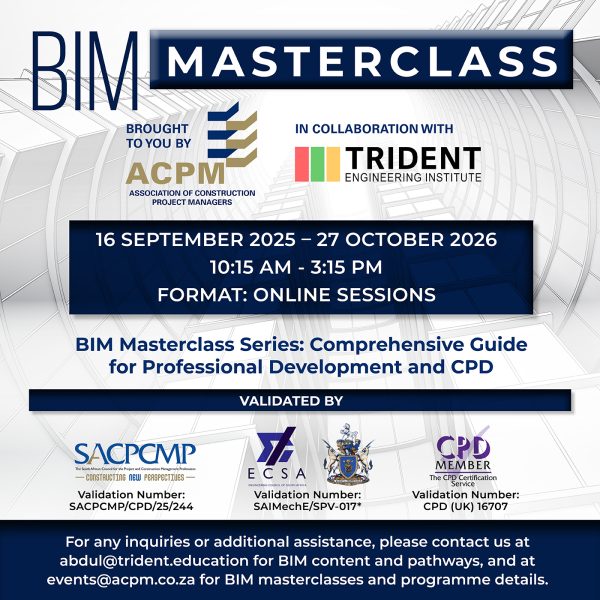
The ACPM–TEI BIM Masterclass Series is a 23-part professional training programme designed to advance digital skills in the Architecture, Engineering, Construction, and Facility Management (AEC-FM) sectors.
CONTACT US
graduation-hatmap-markerchart-barsmagnifiercrossmenu
Shopping cart0
There are no products in the cart!
Continue shopping
linkedin facebook pinterest youtube rss twitter instagram facebook-blank rss-blank linkedin-blank pinterest youtube twitter instagram